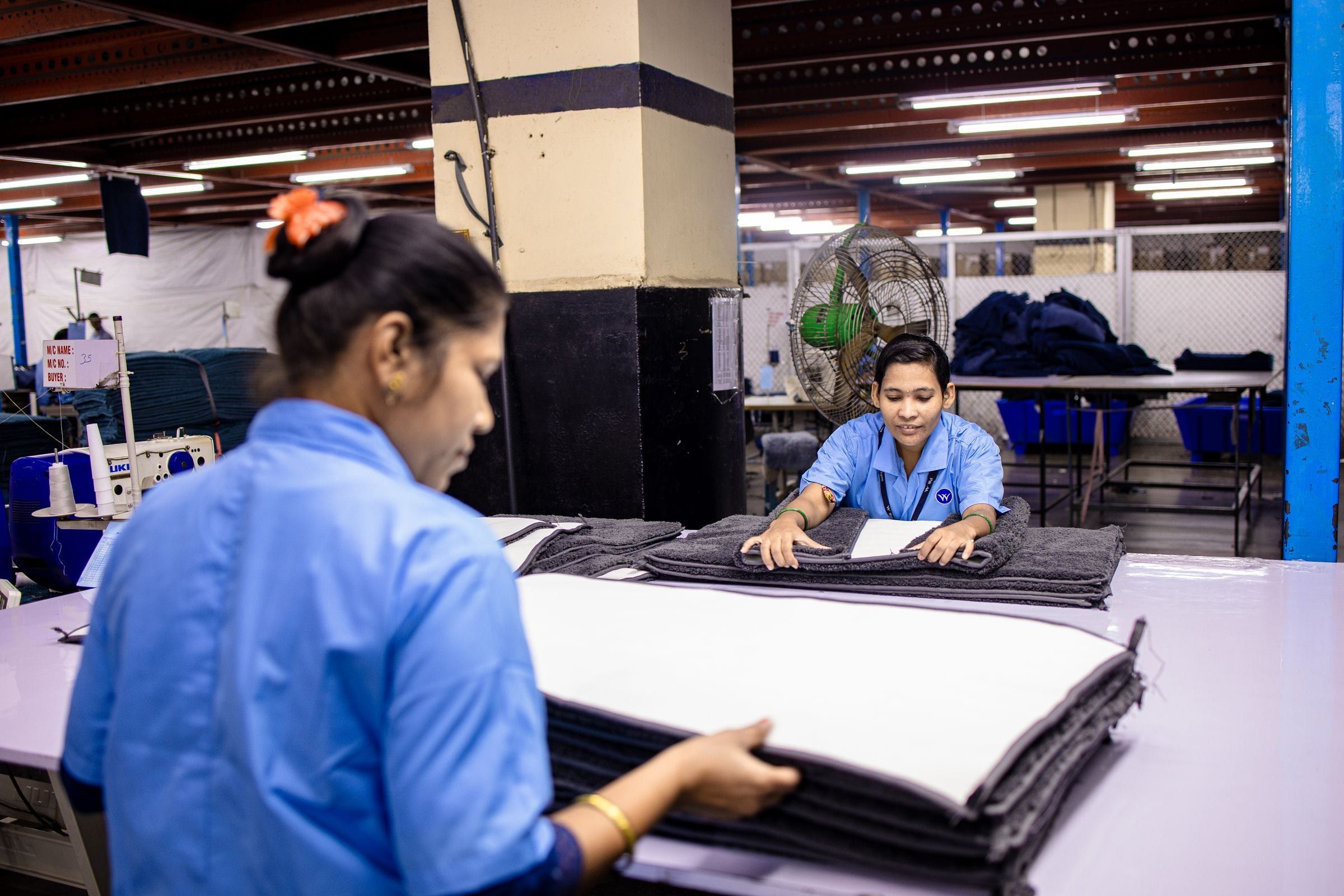
Production: from map planning to done at the station
Production is first-class in ERPOnline. You do not only plan ‘something for tomorrow’ — you drive batches, stations, BOMs and sort slots, with live insight into whether the floor can meet demand.
01
Planning that fits manufacturers
Plan on the map (pins and selection box via Google Maps), by product group or in batches. Merge or split batches per customer. Capacity versus pace keeps you honest. Batches move from planned to start to complete; rush and remediation stay visible with chips.
02
The floor: stations, staff, handoffs
On the production screen a worker picks a station, signs in and works orders through: advance, handoff, partial complete, or failed with push to rush remake. Idle auto sign-out after 15 minutes prevents forgotten presence. Pace per station (day/hour/remaining) exposes bottlenecks. BOMs per article and breaking packs belong on the floor — not in a side spreadsheet.
- Production steps per article and station rules on calculated values
- Floor fields highlighted for what matters now
- Machine tokens (Bearer) for due-batches/queue without interactive login
03
Sort slots, dashboard and report
Sort slots as buffer or single: occupancy, completeness, stale signals, pick-to-pack. The production dashboard shows stations per product group, presence, norm and ‘needs help’ or idle. The production report summarises made/processed, active staff, batch issues and lead time versus max working days.
So the promise to the customer (delivery week, rush, remediation) stays visible down to the station — not only in order status.
Request an environment


Ready to connect trade and production?
Request an environment or calculate your price first. We review every application personally.